

Transform Your Balenciaga Fits with AI-Powered Precision
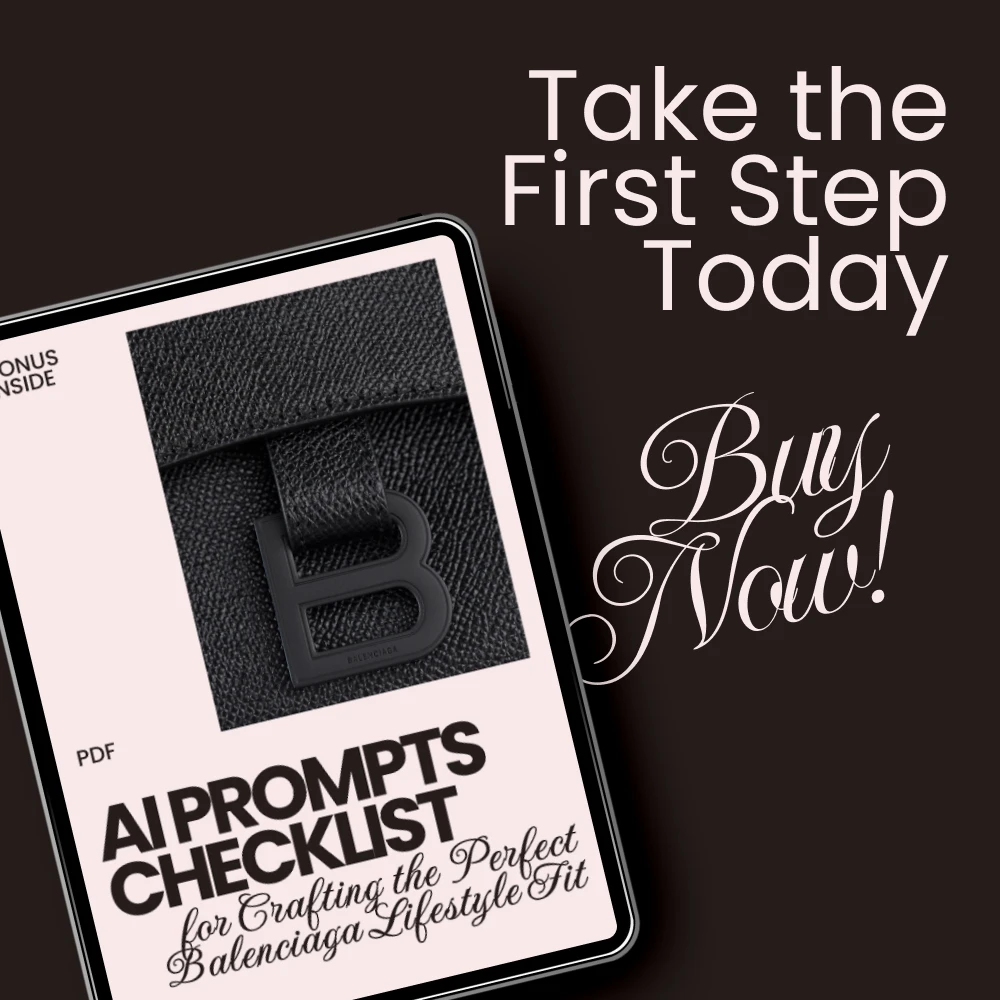
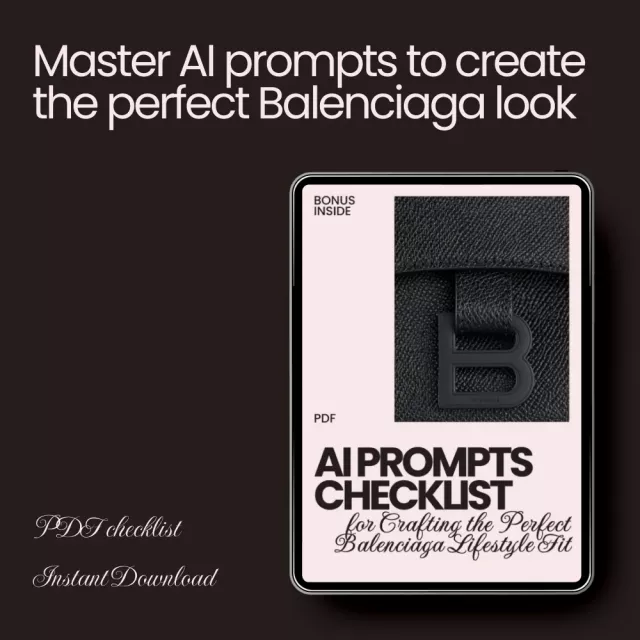
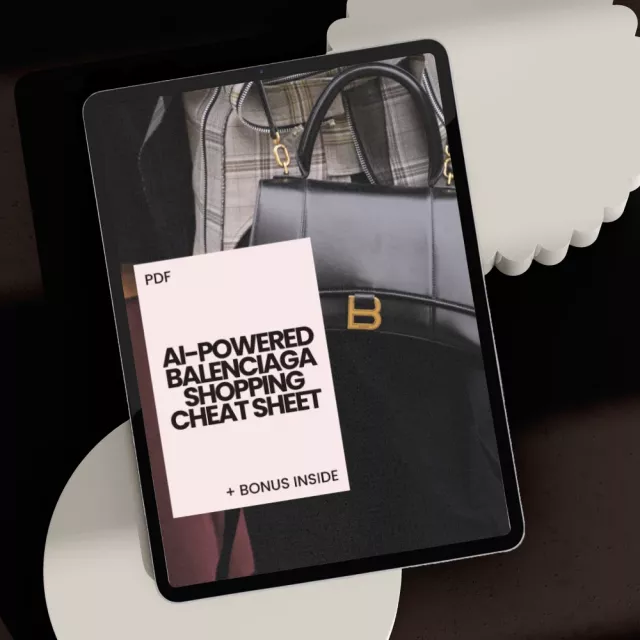
Ready to create the ultimate Balenciaga look? With the AI Prompts Checklist for Crafting the Perfect Balenciaga Lifestyle Fit, you can now effortlessly style and fine-tune your fashion creations using AI prompts that focus on every detail. Whether you’re working with oversized coats, logo hoodies, or statement accessories, this checklist will help you define and perfect your Balenciaga-inspired style—down to the last pixel. Unlock your fashion potential and craft that signature Balenciaga lifestyle look with AI assistance that understands the vibe.
- Define the Mood – Set the tone for your outfit with AI prompts for various styles: edgy streetwear, high-fashion avant-garde, or sleek minimalist.
- Pick Your Key Piece – Focus on your central Balenciaga item—be it sneakers, oversized coats, or iconic accessories—and guide the AI to match.
- Specify the Setting – Choose the perfect backdrop for your Balenciaga look: urban streets, luxury apartments, or runway stages.
- Detail the Silhouette – Fine-tune the fit and proportions with prompts about oversized jackets, tapered pants, and dramatic silhouettes.
- Incorporate Textures & Fabrics – Elevate your look with leather, mesh, technical fabrics, or distressed denim for added sensory depth.
- Add Color Palette Instructions – Whether it’s monochrome, muted neutrals, or Balenciaga’s signature pastels, ensure the AI reflects your vision.
- Include Accessories & Props – Guide the AI on which bags, sunglasses, belts, or tech gadgets should accompany your fit.
- Define Action or Pose – Bring your AI output to life with prompts on how to pose, walk, or move your digital model.
- Layer in Lifestyle Context – Incorporate urban commuting, coffee culture, or high-end nightlife into the scene for a true Balenciaga vibe.
- Refine with Art & Photography Style – Suggest visual styles like cinematic, editorial, or surreal to match the Balenciaga aesthetic.
- Test & Iterate – Tweak and test prompts until you get the perfect digital Balenciaga look.
- Add Signature Balenciaga Flair – Perfect the fit with AI prompts that emphasize Balenciaga’s branding, exaggerated proportions, and unexpected combinations.
Why Choose This AI Prompts Checklist?
This AI prompts checklist is perfect for fashion enthusiasts, digital designers, and anyone looking to create stylish, Balenciaga-inspired outfits using AI. With carefully crafted prompts that guide every aspect of your digital look—from color palettes to pose suggestions—this checklist ensures that your creations have that unmistakable Balenciaga edge.
Unlike other digital resources, this checklist focuses specifically on crafting the perfect Balenciaga lifestyle fit through AI. You won’t just get generic outfit suggestions; you’ll get tailored prompts that guide you in creating Balenciaga looks that resonate with fashion-forward street culture, high-end aesthetics, and timeless design.
Download Today and Begin Crafting Your AI-Enhanced Balenciaga Style!
Ready to elevate your digital designs and fashion ideas? Download the AI Prompts Checklist for Crafting the Perfect Balenciaga Lifestyle Fit now and start designing your Balenciaga-inspired outfits with precision. Whether you’re a fashion designer, content creator, or style enthusiast, this digital resource will help you create standout, lifestyle-focused looks. Don’t miss out—download now and start creating the next level of Balenciaga style today!
SHIPPING
We are proud to offer international shipping services that currently operate in over 200 countries and islands world wide. Nothing means more to us than bringing our customers great value and service. We will continue to grow to meet the needs of all our customers, delivering a service beyond all expectation anywhere in the world.
Do you ship worldwide?
Yes. We provide free shipping to over 200 countries around the world. However, there are some locations we are unable to ship to. If you happen to be located in one of those countries we will contact you.
What about customs?
We are not responsible for any custom fees once the items have been shipped. By purchasing our products, you consent that one or more packages may be shipped to you and may get custom fees when they arrive to your country.
How long does shipping take?
Shipping time varies by location. These are our estimates:| Location | *Estimated Shipping Time |
|---|---|
| United States | 5-20 Business days |
| Canada, Europe | 5-20 Business days |
| Australia, New Zealand | 5-20 Business days |
| Central & South America | 5-25 Business days |
| Asia | 5-20 Business days |
| Africa | 5-25 Business days |
Do you provide tracking information?
Yes, you will receive an email once your order ships that contains your tracking information. If you haven’t received tracking info within 5 days, please contact us.
My tracking says “no information available at the moment”.
For some shipping companies, it takes 2-5 business days for the tracking information to update on the system. If your order was placed more than 5 business days ago and there is still no information on your tracking number, please contact us.
Will my items be sent in one package?
For logistical reasons, items in the same purchase will sometimes be sent in separate packages, even if you've specified combined shipping.
If you have any other questions, please contact us and we will do our best to help you out.
RETURNS
Order cancellation
All orders can be cancelled until they are shipped. If your order has been paid and you need to make a change or cancel an order, you must contact us within 12 hours. Once the packaging and shipping process has started, it can no longer be cancelled.
Refunds
Your satisfaction is our #1 priority. Therefore, you can request a refund or reshipment for ordered products if:
- If you did not receive the product within the guaranteed time (45 days not including 1-3 day processing) you can request a refund or a reshipment.
- If you received the wrong item you can request a refund or a reshipment.
- If you do not want the product you’ve received you may request a refund but you must return the item at your expense and the item must be unused.
We do not issue the refund if:
- Your order did not arrive due to factors within your control (i.e. providing the wrong shipping address)
- Your order did not arrive due to exceptional circumstances outside the control of succella.com (i.e. not cleared by customs, delayed by a natural disaster).
- Other exceptional circumstances outside the control of succella.com.
*You can submit refund requests within 15 days after the guaranteed period for delivery (45 days) has expired. You can do it by sending a message on Contact Us page
If you are approved for a refund, then your refund will be processed, and a credit will automatically be applied to your credit card or original method of payment, within 14 days.
Exchanges
If for any reason you would like to exchange your product, perhaps for a different size in clothing, you must contact us first and we will guide you through the steps.
Please do not send your purchase back to us unless we authorise you to do so.
Order cancellation
All orders can be cancelled until they are shipped. If your order has been paid and you need to make a change or cancel an order, you must contact us within 12 hours. Once the packaging and shipping process has started, it can no longer be cancelled.
Refunds
Your satisfaction is our #1 priority. Therefore, you can request a refund or reshipment for ordered products if:
- If you did not receive the product within the guaranteed time( 45 days not including 2-5 day processing) you can request a refund or a reshipment.
- If you received the wrong item you can request a refund or a reshipment.
- If you do not want the product you’ve received you may request a refund but you must return the item at your expense and the item must be unused.
We do not issue the refund if:
- Your order did not arrive due to factors within your control (i.e. providing the wrong shipping address)
- Your order did not arrive due to exceptional circumstances outside the control of succella.com (i.e. not cleared by customs, delayed by a natural disaster).
- Other exceptional circumstances outside the control of https://succella.com
*You can submit refund requests within 15 days after the guaranteed period for delivery (45 days) has expired. You can do it by sending a message on Contact Us page
If you are approved for a refund, then your refund will be processed, and a credit will automatically be applied to your credit card or original method of payment, within 14 days.
Exchanges
If for any reason you would like to exchange your product, perhaps for a different size in clothing. You must contact us first and we will guide you through the steps.
Please do not send your purchase back to us unless we authorise you to do so.
Customer Reviews
Write a Review
We Think You’ll Love
Top picks just for you








The mood-first approach completely changed my MidJourney results. I used to jump straight into describing clothes and the outputs felt random. Starting with edgy streetwear versus sleek minimalist as a framing decision meant every detail I added after that pointed in the same direction. My first prompt using this checklist produced the most cohesive Balenciaga-inspired image I've ever generated.
I create fashion content for TikTok and this checklist cut my prompt iteration time in half. Before, I'd run fifteen variations trying to get the right vibe. Now I work through mood, key piece, setting, and silhouette in order and the first output is usually 80% there. The texture and fabric tip about specifying leather, mesh, or technical fabrics added a tactile quality my images were always missing. The lifestyle context layer — referencing coffee culture or urban commuting — made my AI-generated lookbooks feel like actual street photography instead of floating outfits on blank backgrounds. I've generated over forty images using this system and my engagement on content featuring them jumped noticeably compared to posts with my older AI visuals.
Specifying the setting made my outputs go from flat to cinematic overnight.
The color palette tip about Balenciaga pastels was a detail I'd never thought to include in prompts 🔥
Neon-lit alleyways as a backdrop — tried it once and now it's my default scene for streetwear prompts.
The action and pose tip transformed my AI images from mannequin shots to lifestyle visuals. Adding mid-turn or leaning against a wall gave the outputs a sense of movement that made my mood boards look professional for the first time. Combined with the editorial photography style suggestion, my client presentations went from decent to impressive.
Distressed denim as a texture call-out added exactly the rawness my prompts were missing.
Good checklist for AI fashion prompting but the accessories tip could be more specific about how props interact with the overall composition. Saying to include statement bags and sunglasses is fine, but guidance on when props add versus clutter would improve the outputs. The mood, setting, and art style tips are the strongest three and those alone elevated my workflow.
Test and iterate — the permission to run multiple rounds and tweak adjectives made me stop expecting perfection on the first try.
The silhouette detail tip about dramatic shoulders and layered tees gave my prompts the specificity AI tools need to produce something that actually reads as Balenciaga rather than generic fashion. I'd been using vague descriptors before and wondering why results looked off-brand.
💯🖤🔥⭐
Cinematic versus editorial versus surreal — naming the photography style in the prompt was the variable I'd been ignoring.
The lifestyle context layer referencing high-end nightlife made my outputs feel lived-in instead of staged. Adding a coffee cup or urban commuting backdrop grounded the fashion in a real scenario and the AI responded to that context beautifully.
Twelve steps that turn vague prompts into precise creative briefs.
Useful framework but the define-the-mood tip could include example prompt fragments for each mood option. Knowing the choices are edgy streetwear, avant-garde, or sleek minimalist is helpful, but showing how those translate into actual prompt language would save iteration time. The texture, setting, and art style tips compensate by being specific enough to plug directly into any AI tool.
Monochrome versus bold contrasts versus Balenciaga pastels — the palette options alone solved my color prompting problem.
I design for a streetwear brand and use AI for concept visualization before production. This checklist became my pre-prompting ritual. Mood sets tone, key piece anchors the concept, setting provides context, silhouette defines shape — working through those four in sequence before touching anything else meant my first-round outputs were consistently usable. The texture tip about mentioning mesh and technical fabrics solved a recurring issue where my AI images looked too smooth and generic. I've generated concept boards for three collections using this system and each one landed with my team faster than anything I'd mocked up manually. The test-and-iterate tip also normalized the process — I stopped treating every prompt like it needed to be perfect and started treating it like sketching.
Walking, leaning, sitting, mid-turn — four pose words that made every output feel dynamic.
The key piece tip about identifying whether the focus is sneakers, coat, hoodie, or accessory first eliminated the scattered feeling my prompts used to have.
Exaggerated proportions as signature Balenciaga flair — that last tip tied every other element together.
Solid prompting guide but the lifestyle context tip overlaps somewhat with the setting tip. Both ask you to think about environment and scenario. Combining them into one richer prompt layer would free up space for a tip on lighting or time-of-day, which significantly affects AI image mood. The silhouette and texture tips are the most technically useful and the ones I reference every session.
Urban streets versus luxury apartments as backdrops — the setting options gave me range I wasn't exploring before.
❤️👏🔥💯
The high-contrast photography style suggestion matched the Balenciaga aesthetic so well that my client assumed I'd hired a photographer for the mood board.
Tweaking adjectives between rounds — that single iteration tip improved my output quality more than any other advice I've read on AI prompting.